Energy Access
Long-term co-development turns locally appropriate clean-energy technology into models that can inform national delivery.


U4 · Public Role Model Use
Knowledge becomes public value when communities can use it, adapt it, and scale it.
U4 carries the results of operations, learning, and research beyond the university—working with communities, government, and industry to reduce inequality, expand access to clean energy and education, improve wellbeing, and shape public action.
Why it matters
U4 is the outward-facing pathway of the 4U system. Campus practices become demonstrations, student learning becomes community capacity, and research becomes infrastructure, policy, and services that respond to real social needs.
Action system
Long-term co-development turns locally appropriate clean-energy technology into models that can inform national delivery.
The Village Education Volunteers model combines local tracking and flexible learning to keep vulnerable children connected to education.
National forums and public campaigns connect evidence, policy, youth voices, and everyday environmental action.
Food safety, disease prevention, mental health, clean air, and public-benefit programmes strengthen social resilience.
External recognition
The 2025 UI GreenMetric and 2026 THE Sustainability Impact Ratings show how KMUTT’s operations, learning, research, and partnerships reinforce one another.
1,745 universities across 105 countries, including 61 participating universities from Thailand.
Overall placement among more than 1,603 participating universities worldwide.
Seven SDGs included in KMUTT’s published 2026 results
Latest news




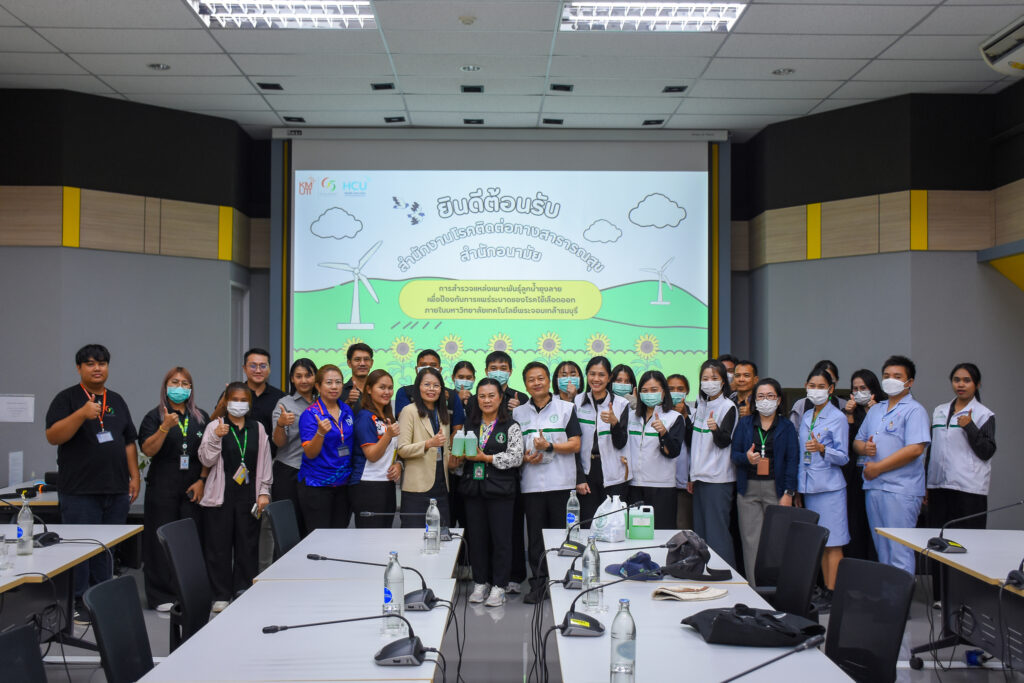





U4 completes the 4U cycle by turning institutional capability into shared capability: solutions designed with communities, evidence that informs public decisions, and models others can adapt.
Find news, projects, and content across the website.
Small files that help websites remember your preferences. You can review or change how your browser handles them at any time.
Open Chrome on your computer.
Select the three-dot menu, then choose Settings.
Open Privacy and security.
Select Third-party cookies.
Choose the option that matches your preference.
Open Microsoft Edge on your computer.
Select the three-dot menu, then choose Settings.
Open Cookies and site permissions.
Select Manage and delete cookies and site data.
Turn your preferred cookie options on or off.
Open Firefox on your computer.
Select the menu button, then choose Settings.
Open Privacy & Security.
Go to Cookies and Site Data.
Clear data, manage data, or change permissions as needed.
Open Safari and select Settings.
Select the Privacy tab.
Choose your website tracking and cookie preferences.


